


Setting up Klaviyo Integrations And Flows for Ticket/Event-based Businesses
We built a full integration between Design My Night (Tonic) and Klaviyo, pulling purchases, creating profiles, generating events, and automating customer flows for event-based businesses.
Problem
What if you want to use Klaviyo, but your tech stack does not have direct integrations with it? This limitation prevents teams from fully leveraging advanced Email Marketing (Klaviyo) features such as event-based segmentation and personalized automation.
That is a problem Inventive Productions had. They use Design My Night (also known as Tonic) to sell tickets to their events.
We needed to build a system that pulls purchases and tags customers by event and date.
How we fixed it
Tracking
We studied Tonic’s API documentation and built several poll-based automations in Pipedream. The entire setup was built using Server Side Tracking, allowing us to reliably sync purchases, refunds, updates, and custom event objects directly into Klaviyo via APIs.
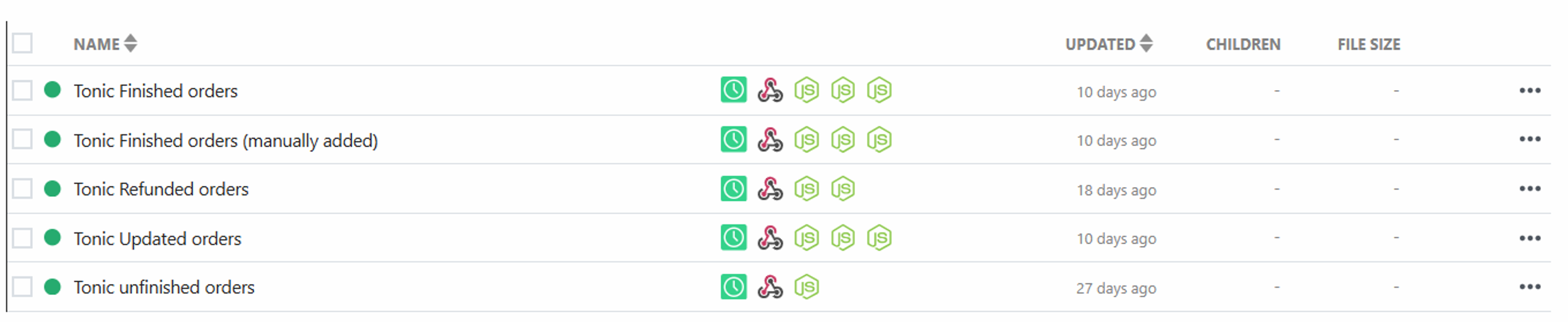
Our “Finished order” automation runs every 30 minutes:
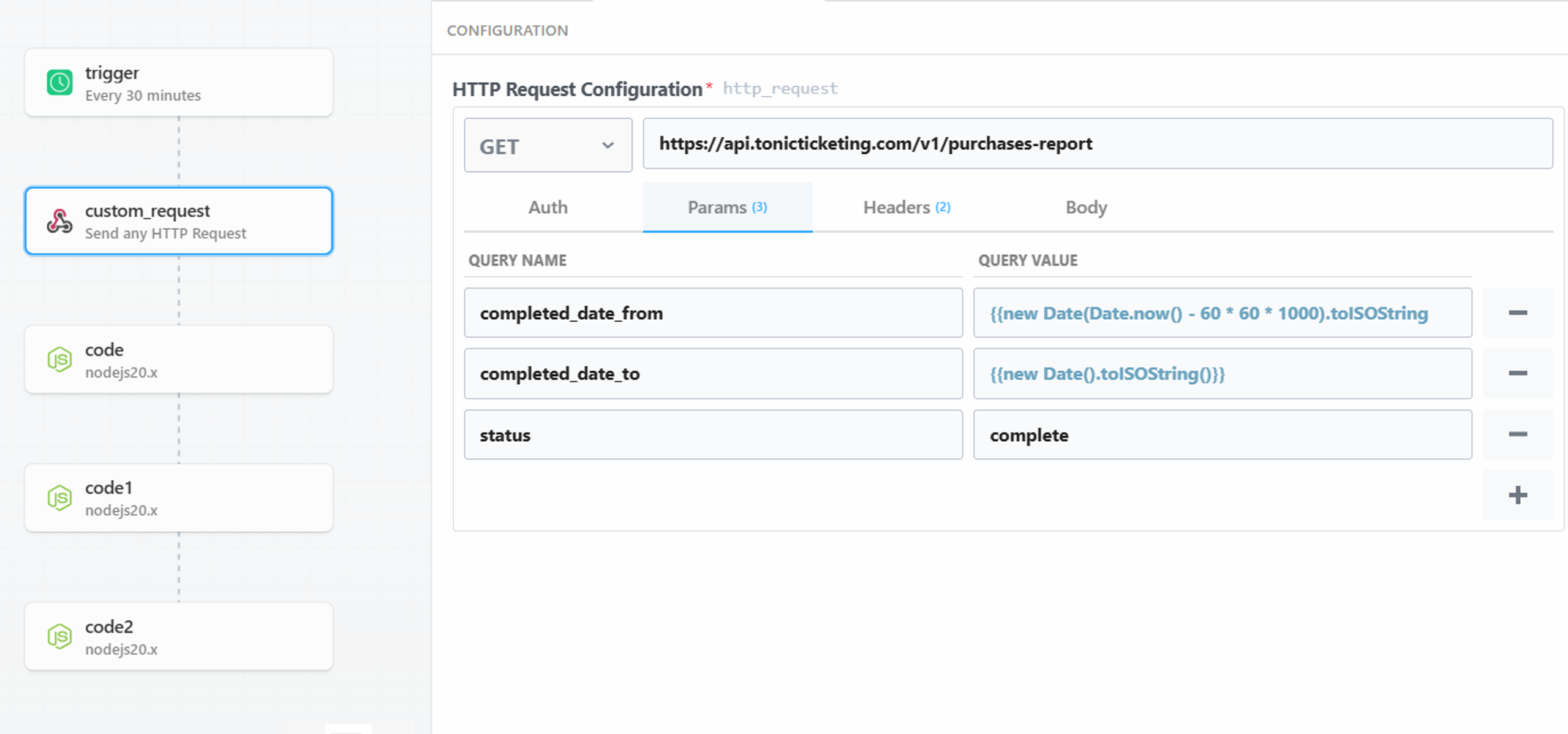
- It pulls the completed orders from Tonic in the last 45 minutes using their API.
- Creates new profiles in Klaviyo using Klaviyo’s API.
- Generates purchase events with event names, ticket types, prices, and a special property called “days until event at the time of purchase”, the purpose of which we will explain later.
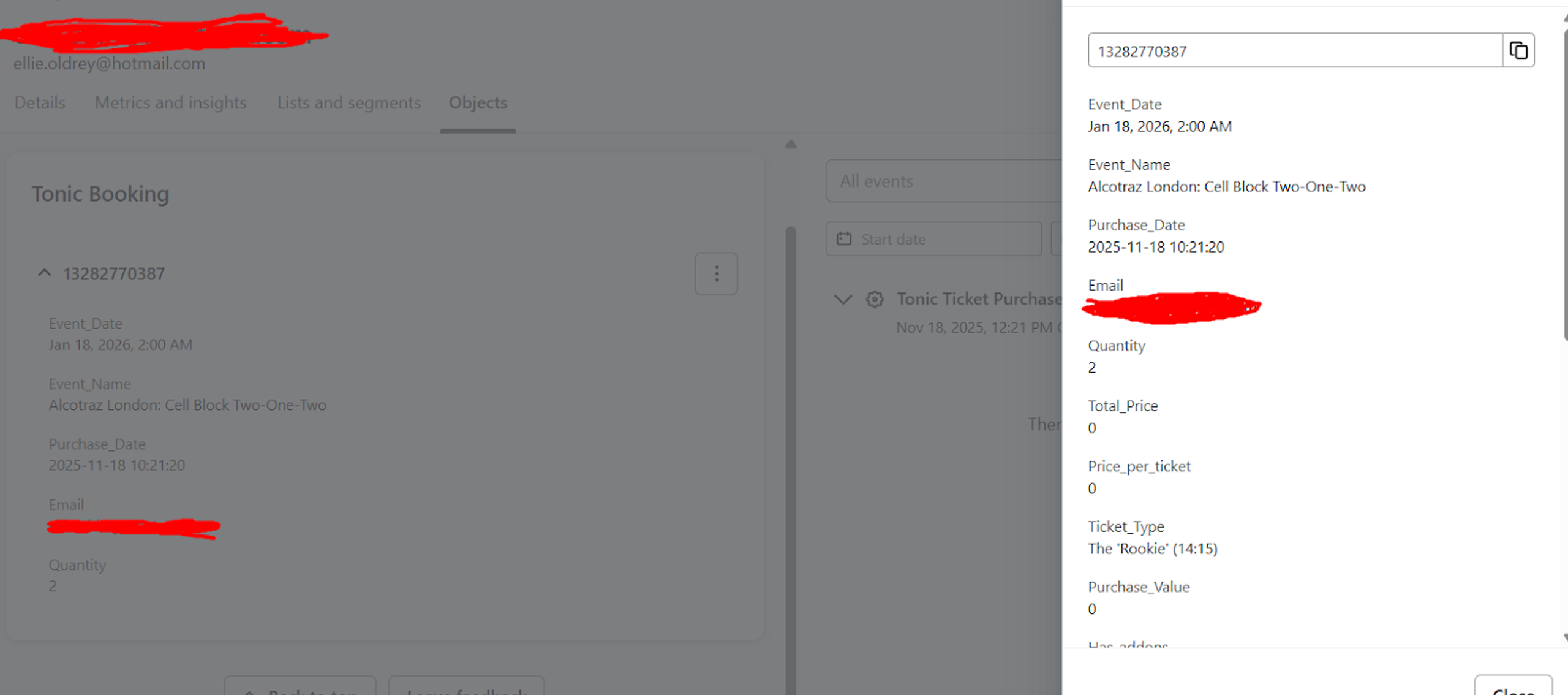
- Creates objects for booked events in Klaviyo, with event names, event dates, ticket types, prices.
The objects look like this in Klaviyo:
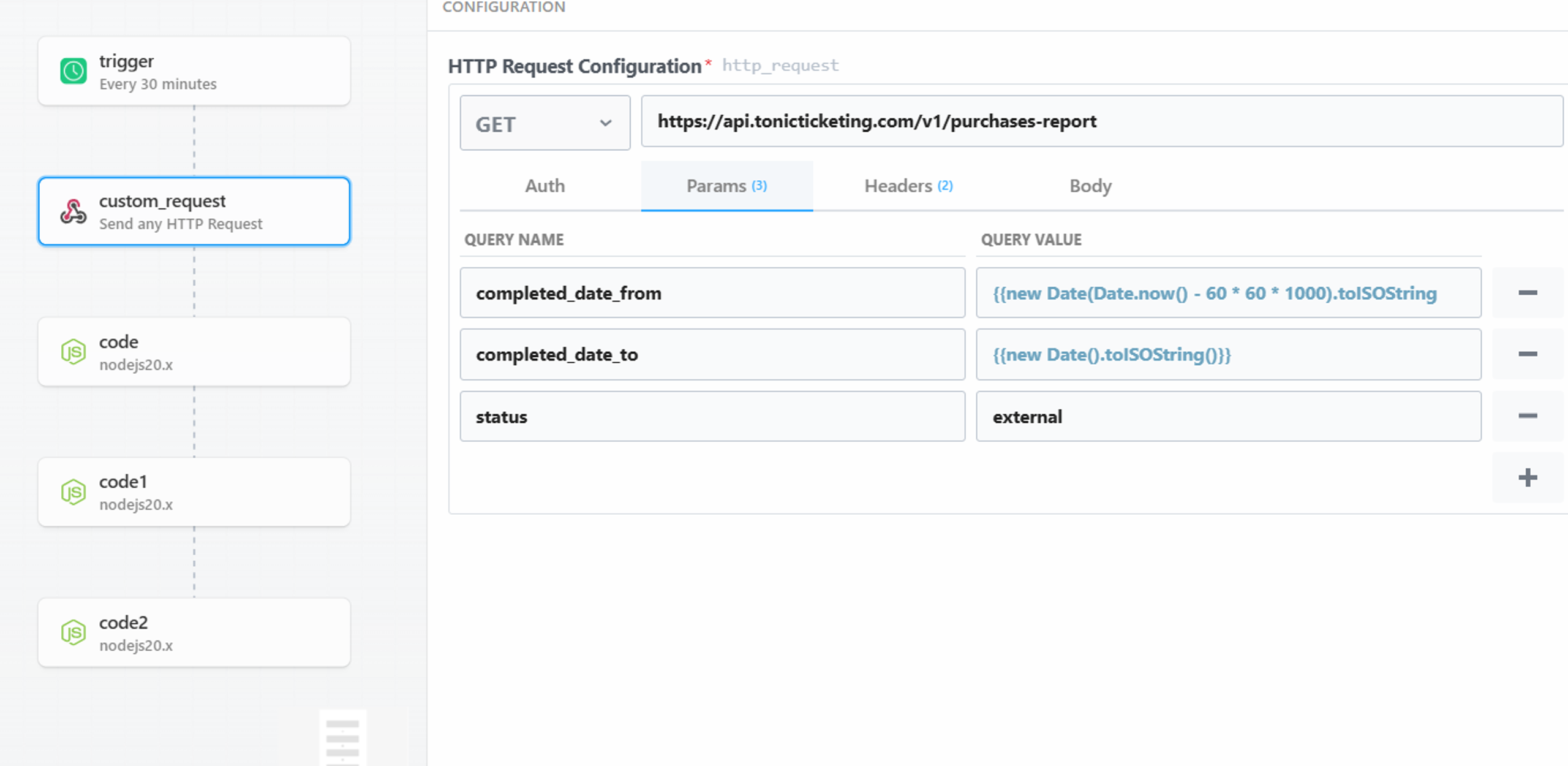
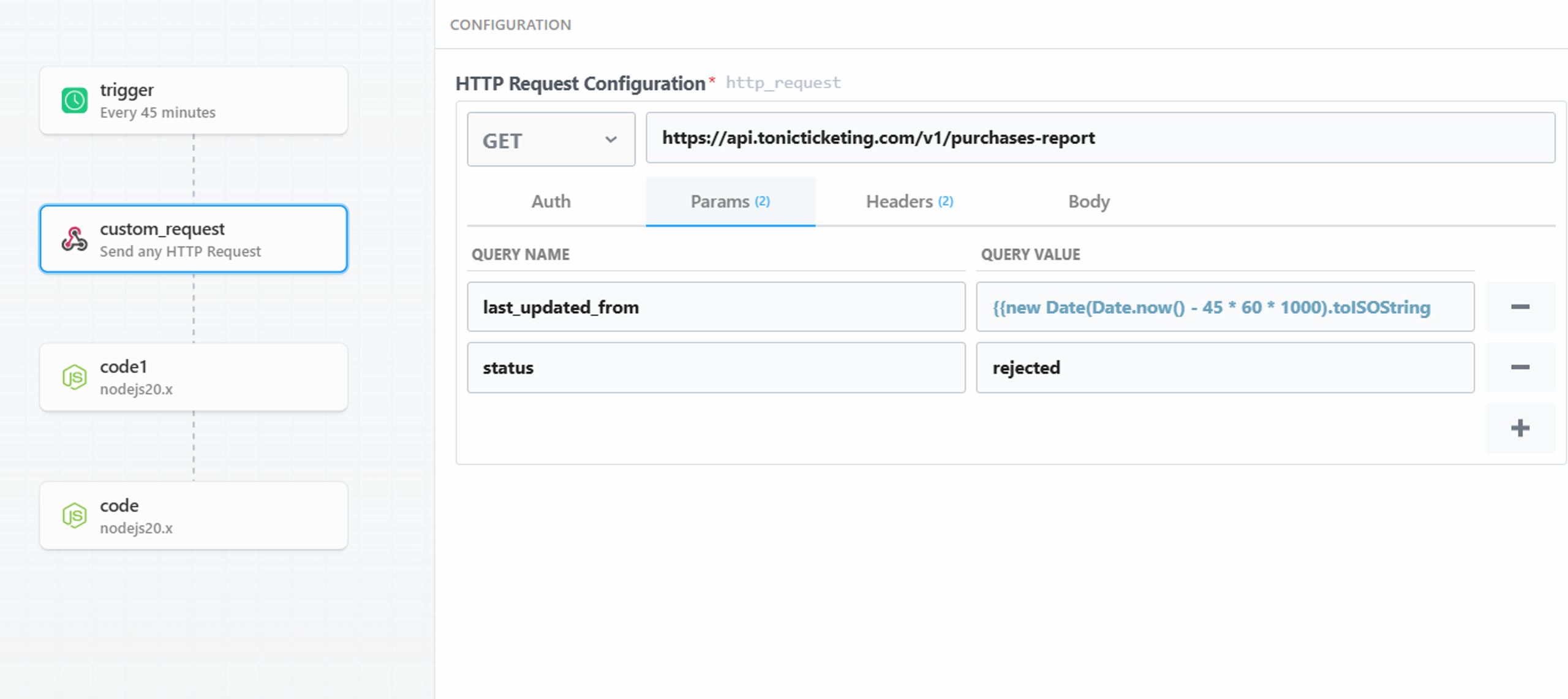
A similar automation exists for orders that have been added manually:
Another automation rerieves refunded orders and generates refund events in Klaviyo. It also deletes the object in the customer’s profile.
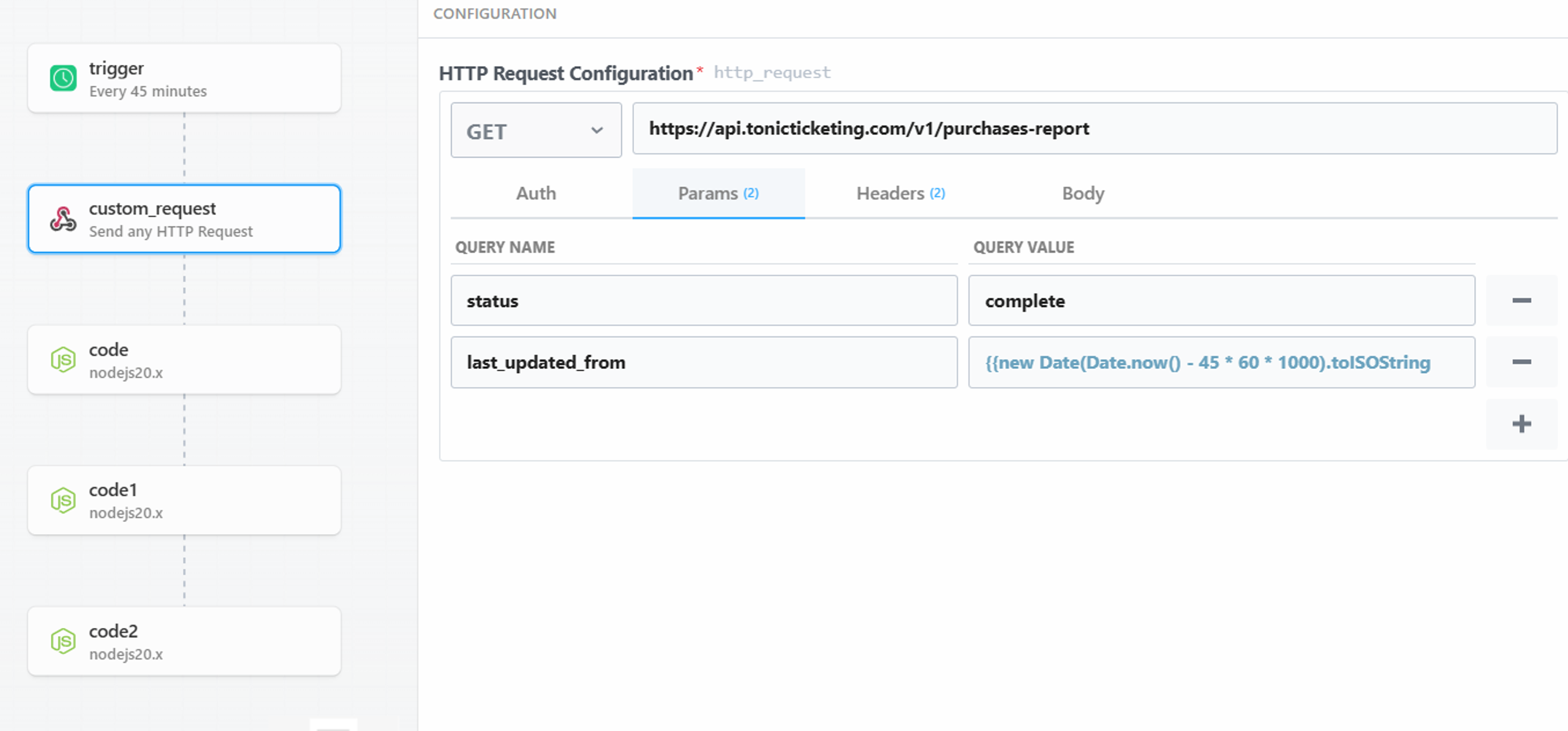
We track updates to identify when a customer edits their booking, and update the object in their profile accordingly.
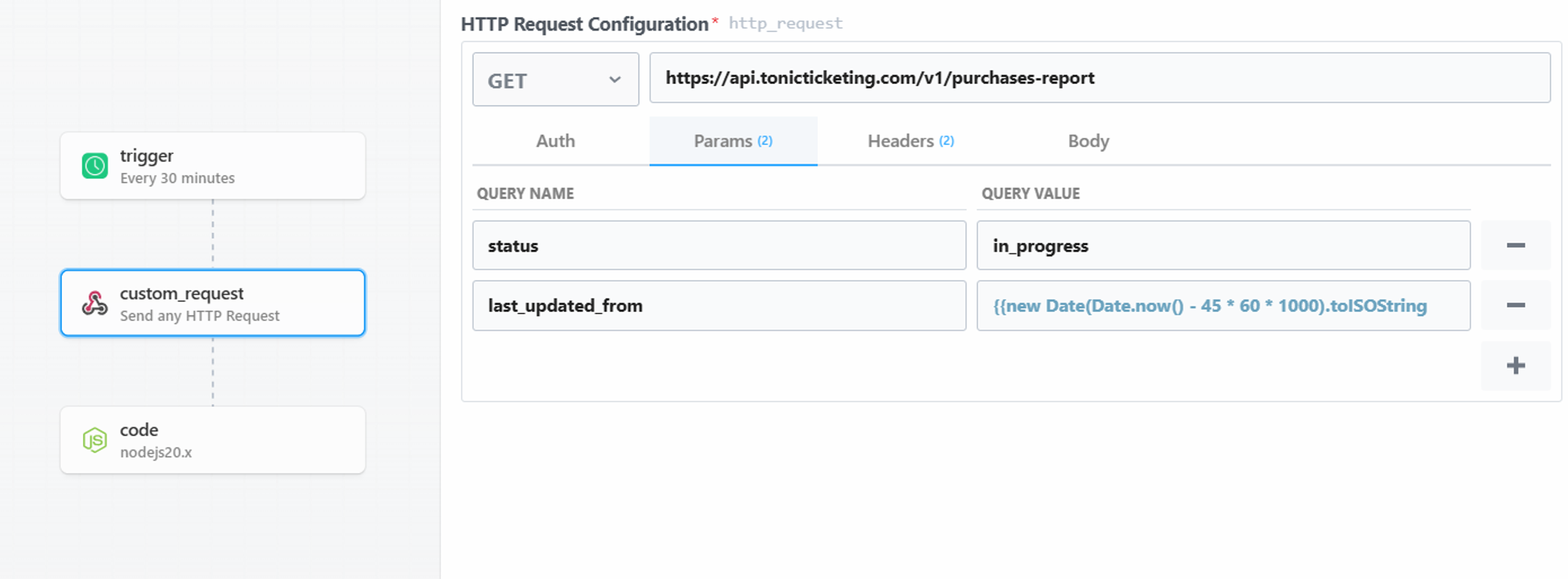
And we track unfinished orders and events for that. This allows us to send them an abandoned checkout flow.
Flows
Aside from the standard welcome, abandoned checkout and post-purchase flows, we have created pre- and post-attendance flows for all locations, triggered by the event date property of the booking objects:
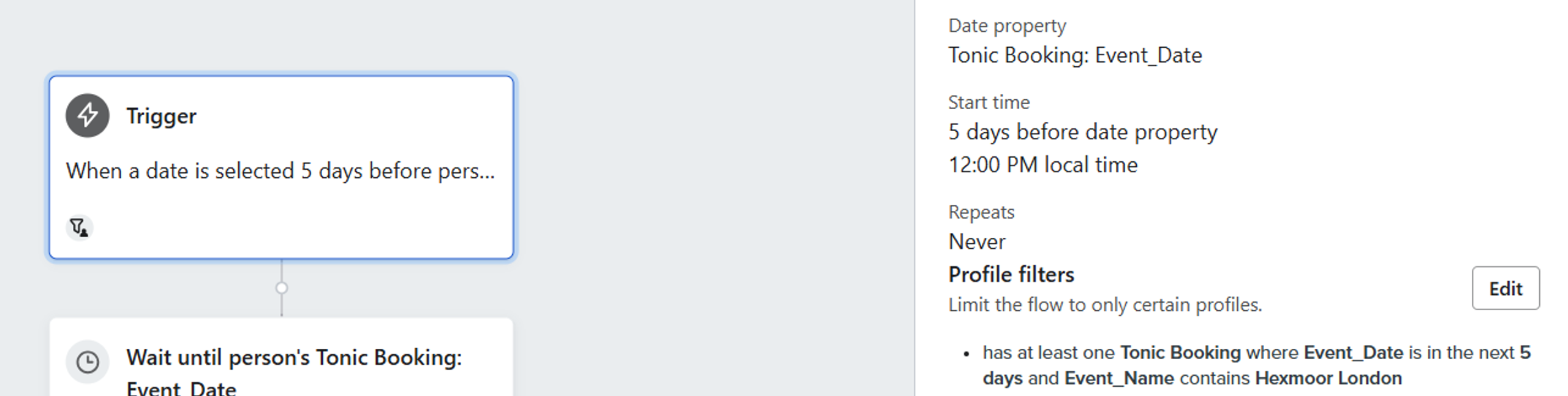
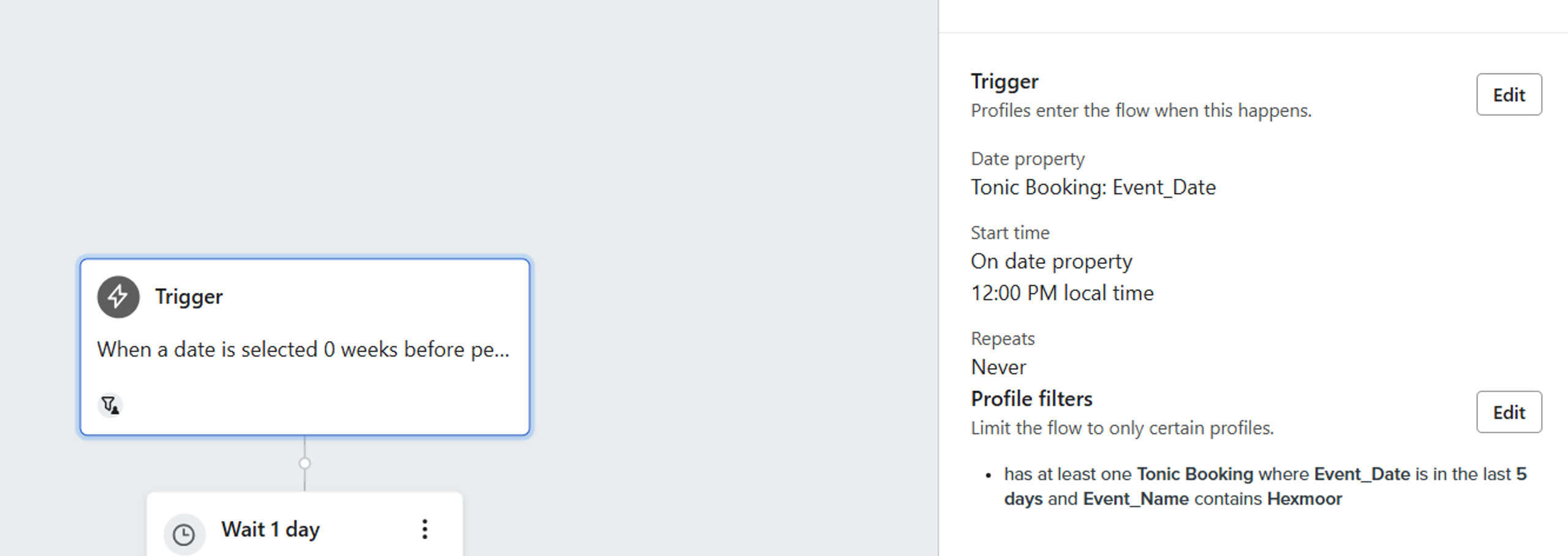
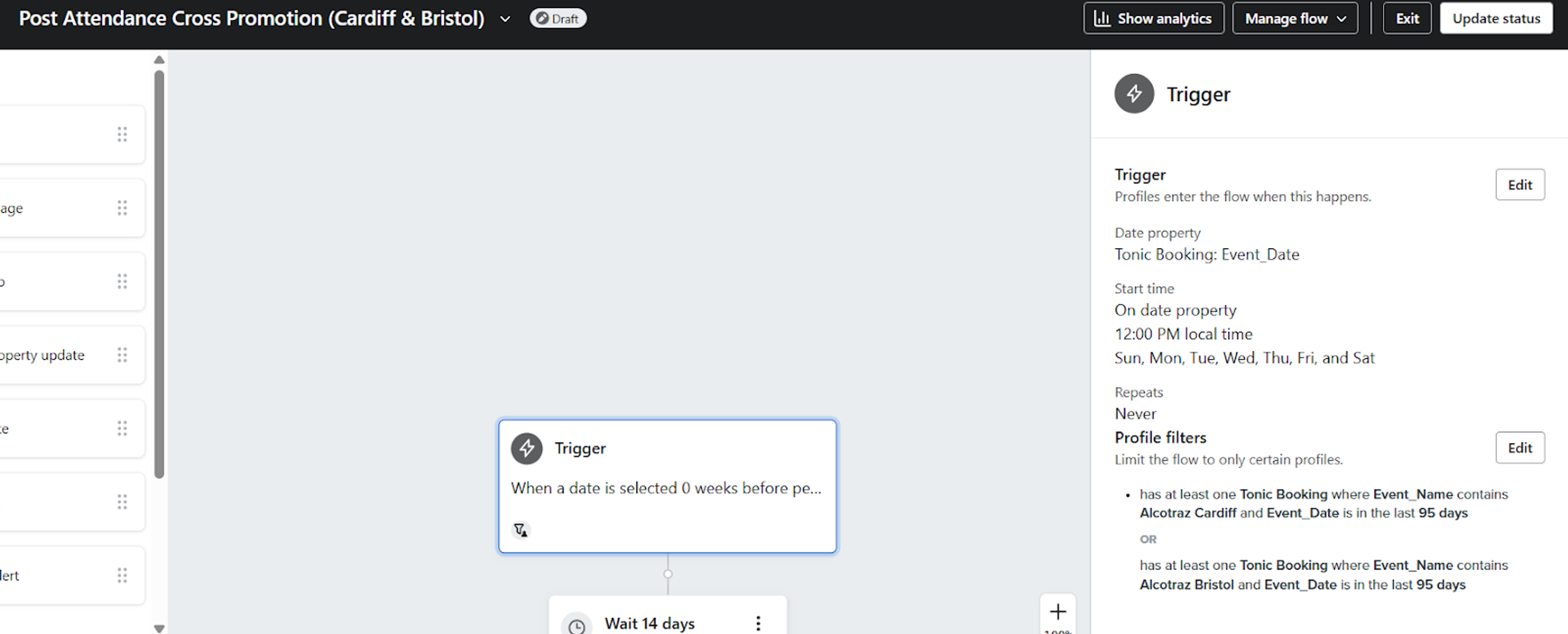
Why use separate flows for each location instead of just one, with splits by location inside the flow?
Because you can’t use trigger splits in flows triggered by date properties, only conditional splits. In Klaviyo, trigger splits check the properties of the event that triggered the flow. Conditional splits check the properties of the profile or any object attached to them.
In case a person booked two or more events, they could receive the wrong pre-attendance emails.
Say, they have location X in 5 days, and location Y in 3 days.
They have already received the rules email for location Y.
The event at location X is in 5 days, so they enter the flow to receive the rules email.
They reach the split for location Y.
They will still satisfy the conditional split “Event Name contains Y and Event date is in the next 5 days”.
If the split for location Y comes before the split for location X, they receive the wrong email.
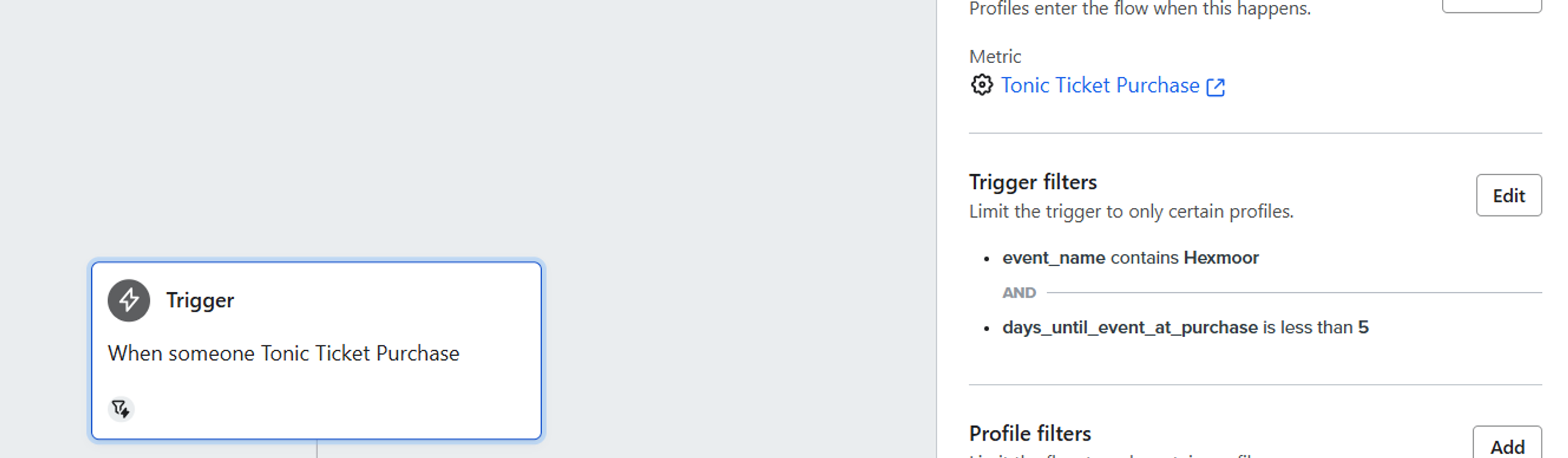
The pre-attendance flow sends an email with rules 5 days before the event date. But what if someone books an event 1, 2 or 3 days from today?
For those customers, we use the purchase event as a trigger, with a filter “Days until event at purchase <5”.
Results
Our client gets to use the full benefits of Klaviyo’s advanced segmentation and personalization.
And using the same framework, we can integrate literally anything with Klaviyo, as long as it has a functional API.
Want us to do it for you? Sign up for our marketing plan below.
Client’s Words


Their Klaviyo setup boosted our engagement and conversions-open rates have never been higher.
Read review on


